
E-commerce and product visuals
Place a product in new settings, explore campaign color systems, and create variations for listings, ads, and launch concepts.
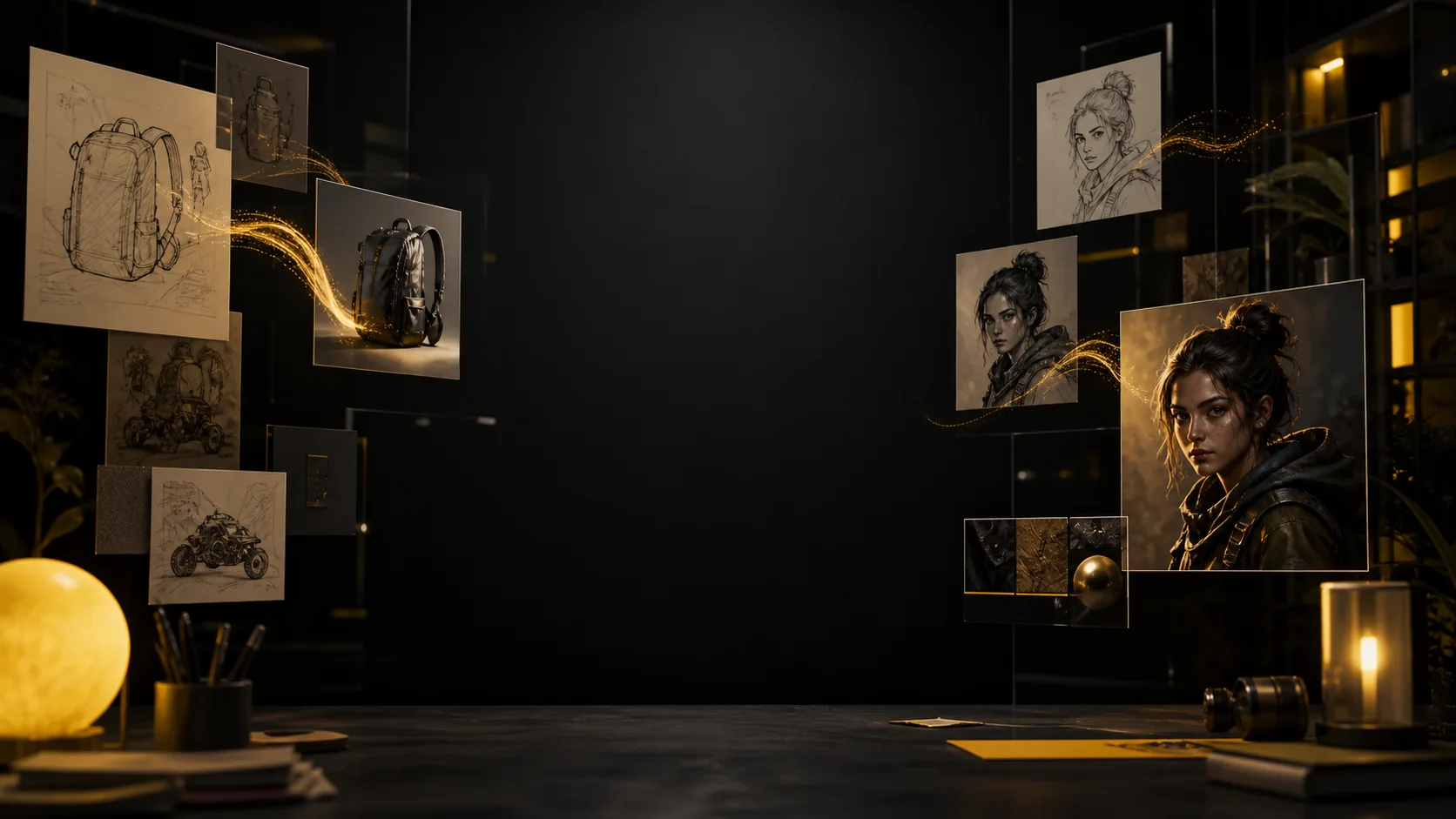
Sign in to claim 100 free credits and start creating with the models available today
Nano Banana 2.5 at a glance
Start from words or images, keep the details that matter, and generate a ready-to-review 1K result.
Create from a prompt or edit with references
Guide subject, product, and visual style
Choose the aspect ratio that fits your idea
What is Nano Banana 2.5?
Nano Banana 2.5 combines prompt-based creation with reference-image editing. Describe what you want, show the model what should remain recognizable, and iterate with direct language instead of rebuilding every detail by hand.
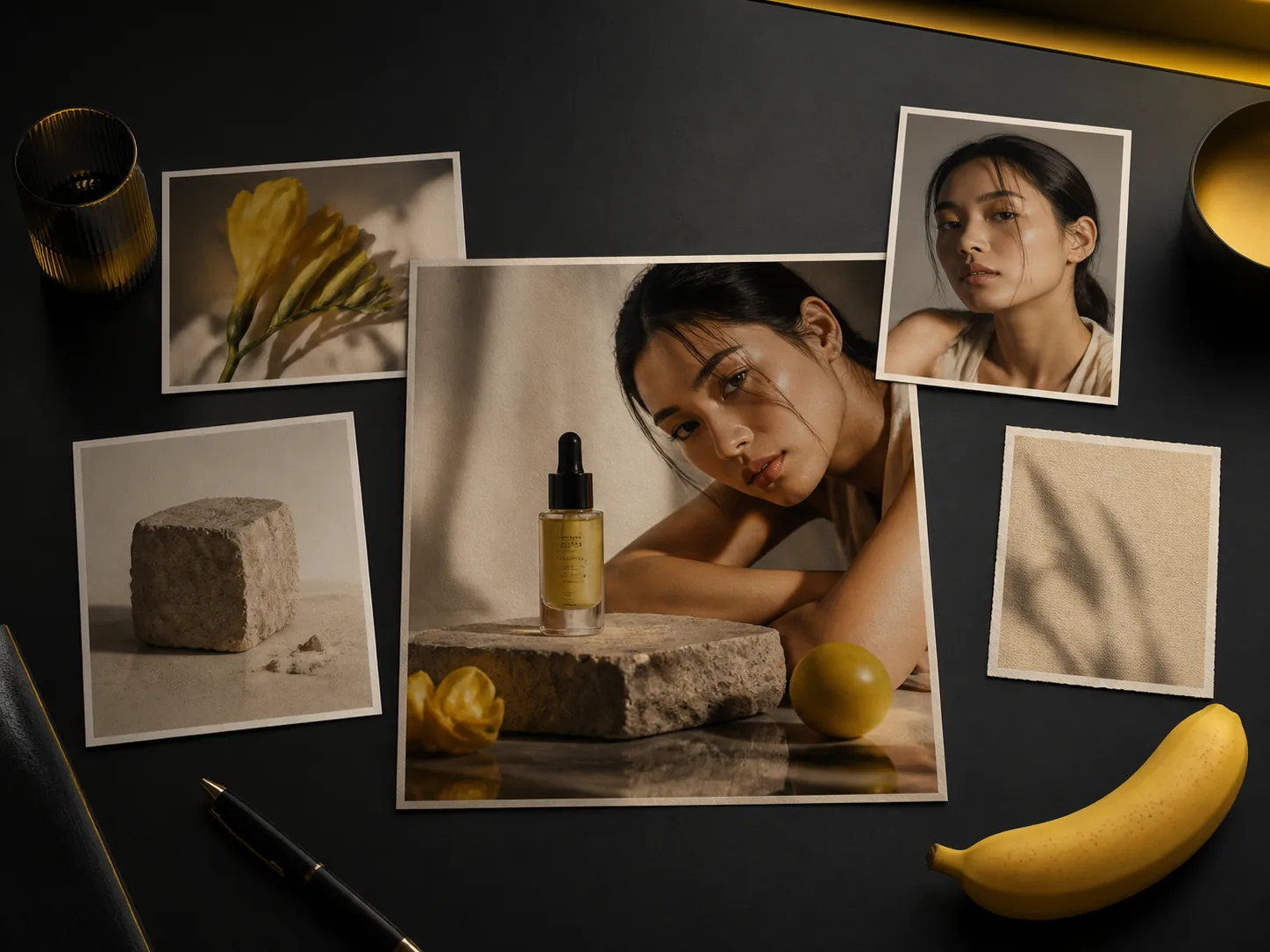
Describe the subject, setting, composition, light, and mood. Start simple, then add the details that make the image useful for your project.
Upload a reference and say what should change: replace a background, adjust an object, restyle a scene, or refine the overall finish.
Use clear references and name the features to preserve so a character, product, or visual identity stays connected across variations.
Review the result, keep the choices that work, and make the next instruction specific. Small, deliberate revisions are easier to compare.
Core capabilities
Combine a clear prompt with useful references, then refine the result around the exact role the image needs to play.
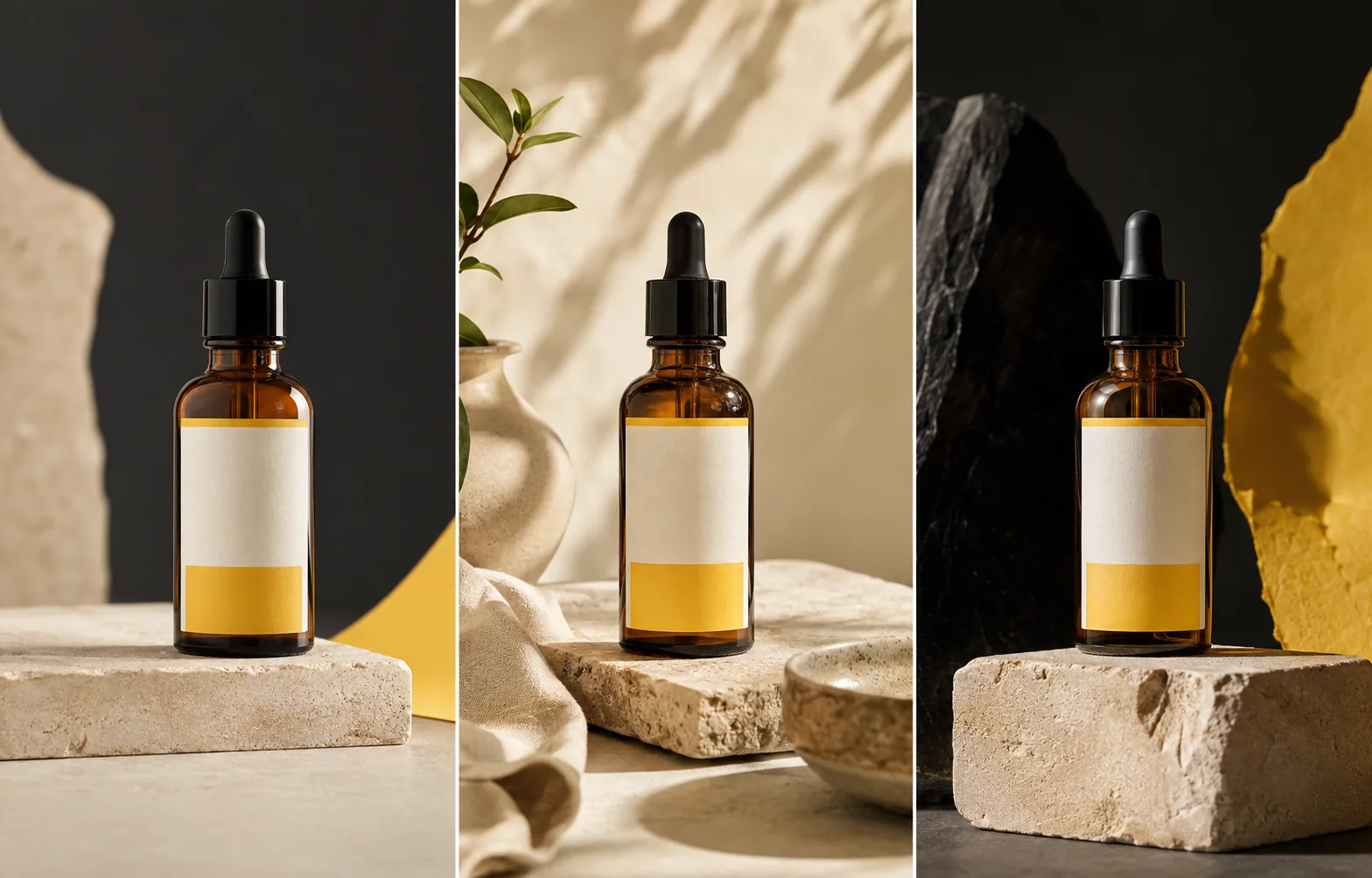
Use one product reference to explore clean studio shots, lifestyle scenes, and social-ready layouts while keeping the packaging and brand cues recognizable.
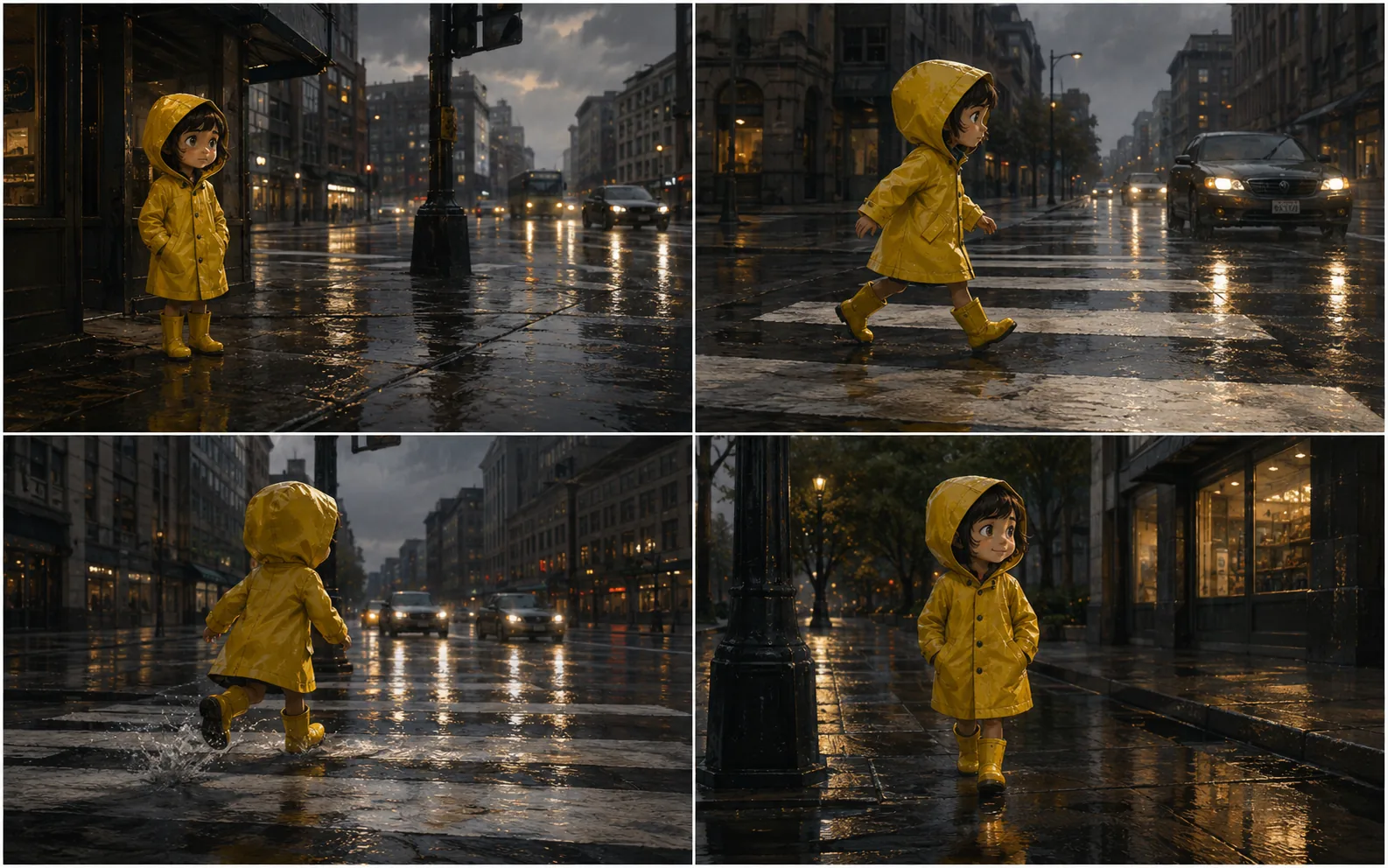
Keep a character's clothing, mood, and setting connected as the action changes from panel to panel. Use each result to plan the next beat.
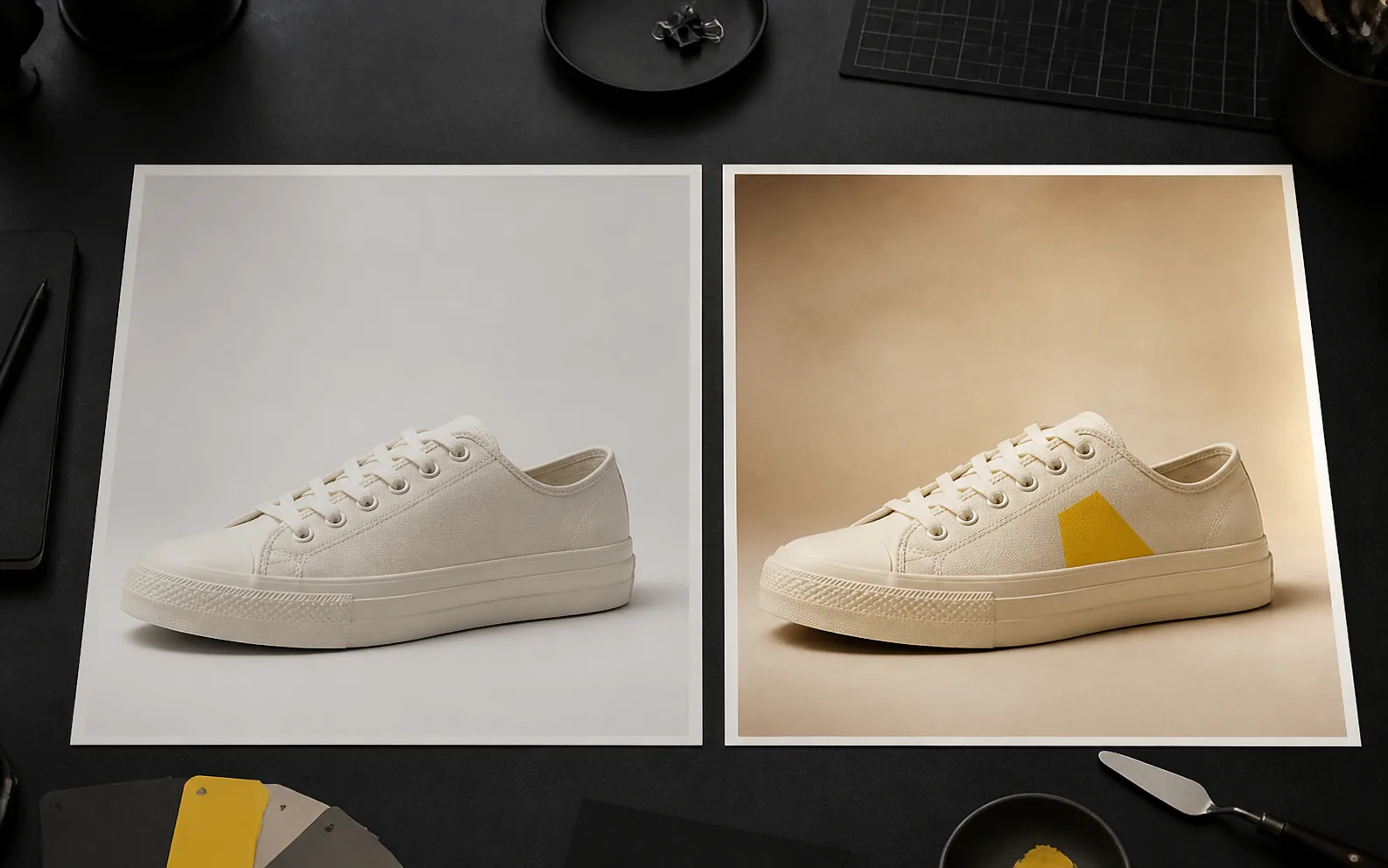
Point to the detail that should change and state what must stay untouched. Adjust color, materials, background, or styling while preserving the core composition.
How Nano Banana 2.5 works
Begin with a clear purpose, add only the references you need, and refine the result one decision at a time.
Start from a text prompt for a new image, or upload one to three references when you want to preserve or change specific visual details.
Name the subject, scene, composition, lighting, style, and intended use. For edits, separate what should change from what should remain.
Choose a format for square posts, portraits, landscape layouts, or flexible automatic framing, then review the credit total.
Inspect the subject, text, hands, materials, and composition. Adjust one or two important details and generate the next version.
Creative use cases
Explore a campaign direction, develop story frames, or make a precise image edit without setting up a full production process.
Place a product in new settings, explore campaign color systems, and create variations for listings, ads, and launch concepts.
Turn a simple concept into expressive social artwork, character reactions, sticker directions, or channel-specific compositions.
Develop a recurring subject across scenes and plan visual beats for comics, videos, presentations, or narrative concepts.
Change a background, recolor a product, update styling, or test a new composition while keeping the useful parts of the original.
Nano Banana 2.5 FAQ
Learn how to start, which references to prepare, and how credits and output settings work.
Nano Banana 2.5 is the image-generation and editing experience on this site. Use it to create a new image from text or guide an edit with reference images and natural-language instructions.
Yes. Enter a prompt without an upload for text-to-image creation, or add reference images for image-to-image editing. The workspace selects the matching generation mode automatically.
Nano Banana 2.5 accepts up to three reference images in one task. Use each reference for a clear purpose, such as subject identity, product appearance, or visual style.
Nano Banana 2.5 generates 1K images and supports automatic, square, portrait, and landscape aspect ratios. Choose the format that matches where the image will be used.
Upload a clear reference and describe the features that must remain recognizable. Keep the prompt focused, avoid conflicting style directions, and refine one important change at a time.
Credit use depends on the model and settings available in the workspace. Review the displayed credit total before you submit a generation.
State the subject, setting, composition, lighting, and style in a clear order. For edits, say what to change and what to preserve. Review the first image, then revise the most important detail.
Paid plans and credit packs support personal and commercial projects, subject to the terms of service and your rights to any uploaded source material.
Choose monthly or annual credits for ongoing image creation and editing, or a one-time pack for a specific project. Credits also work with the other models in the workspace; check the exact cost before each generation.
Cancel anytime
Your next image starts here
Bring a prompt, a reference image, or a visual you want to refine. Choose a format and make the first version.