
Create from text
Describe the subject, setting, light, and framing to make a new image from a written brief.
Move from a prompt or reference image to a polished first visual. Start with Nano Banana 2, then switch models when the brief needs a different balance.
Text to image · image to image
Nano Banana 2.5 is a place to develop product looks, story frames, and focused edits. Give each reference a clear job and keep important details in the brief.
Describe the subject, setting, light, and framing to make a new image from a written brief.
Add your own photo or sketch when the subject, palette, or composition should guide the result.
Select an available aspect ratio for the place where the image will be used. Options depend on the model.
Generate an image, review what worked, and make a focused change before the next pass.
AI image ideas
These original concept illustrations are for inspiration, not guaranteed output from the selected model.
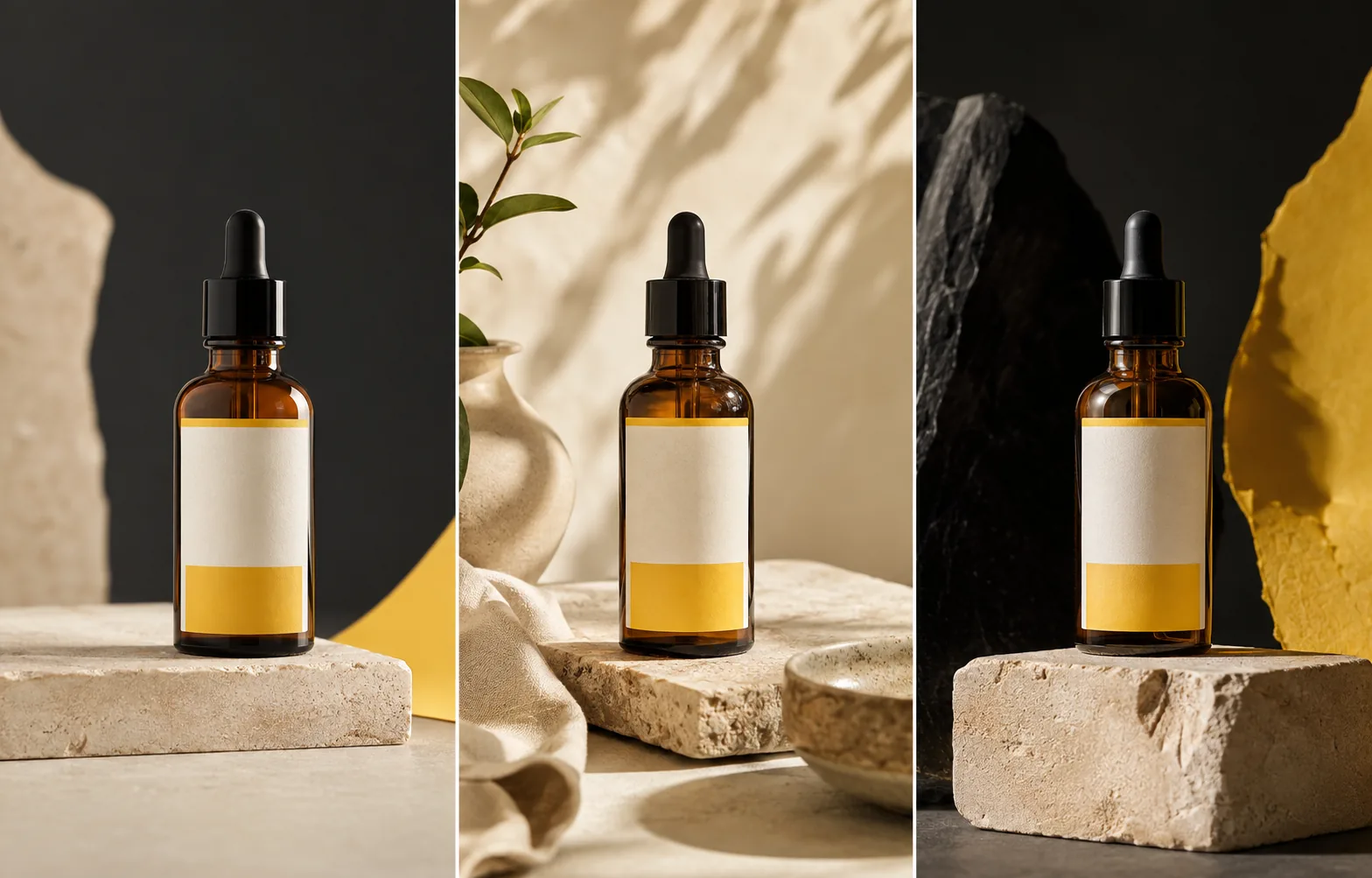
Test related compositions without losing the bottle identity.
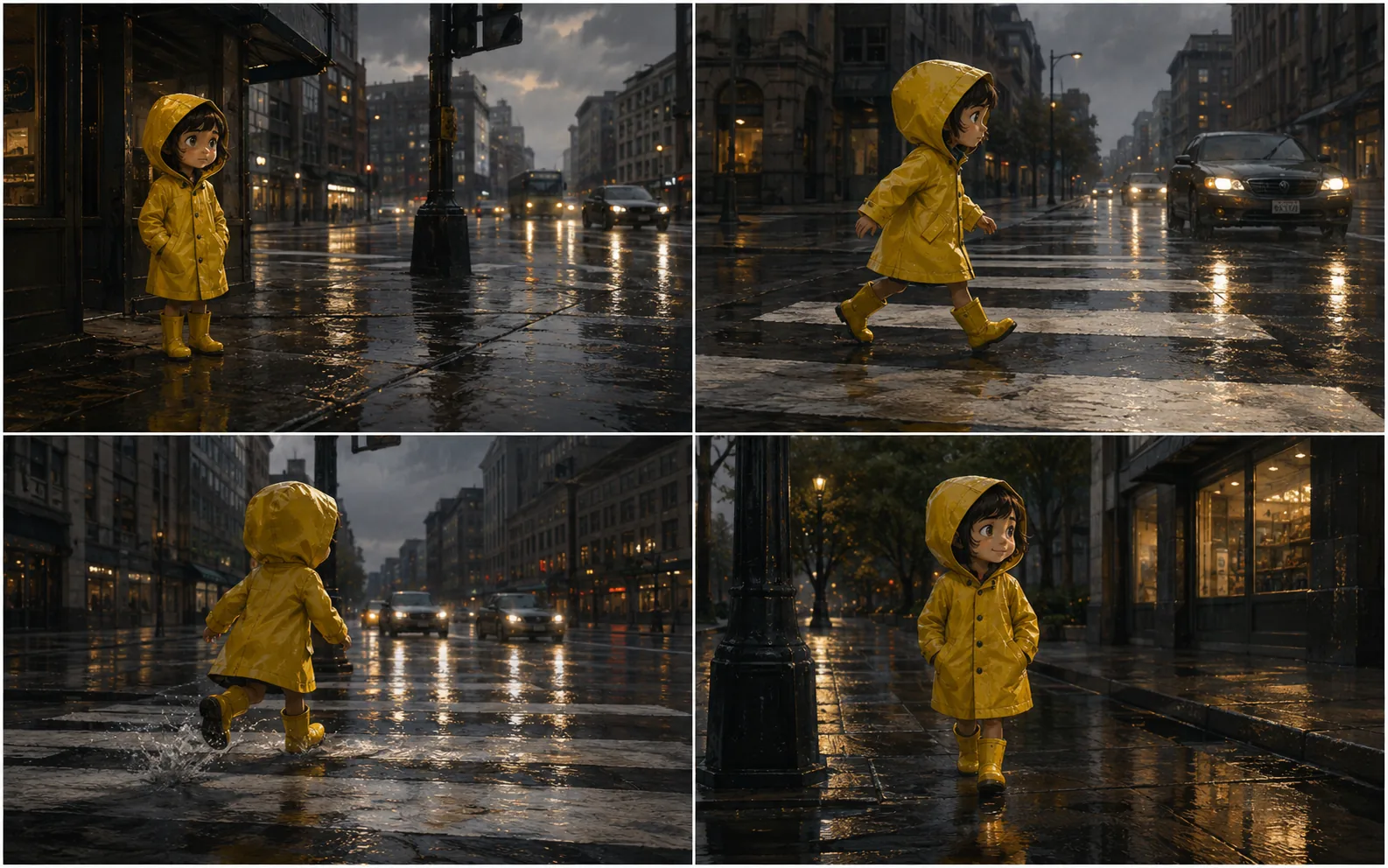
Give a four-frame story a shared subject and palette.
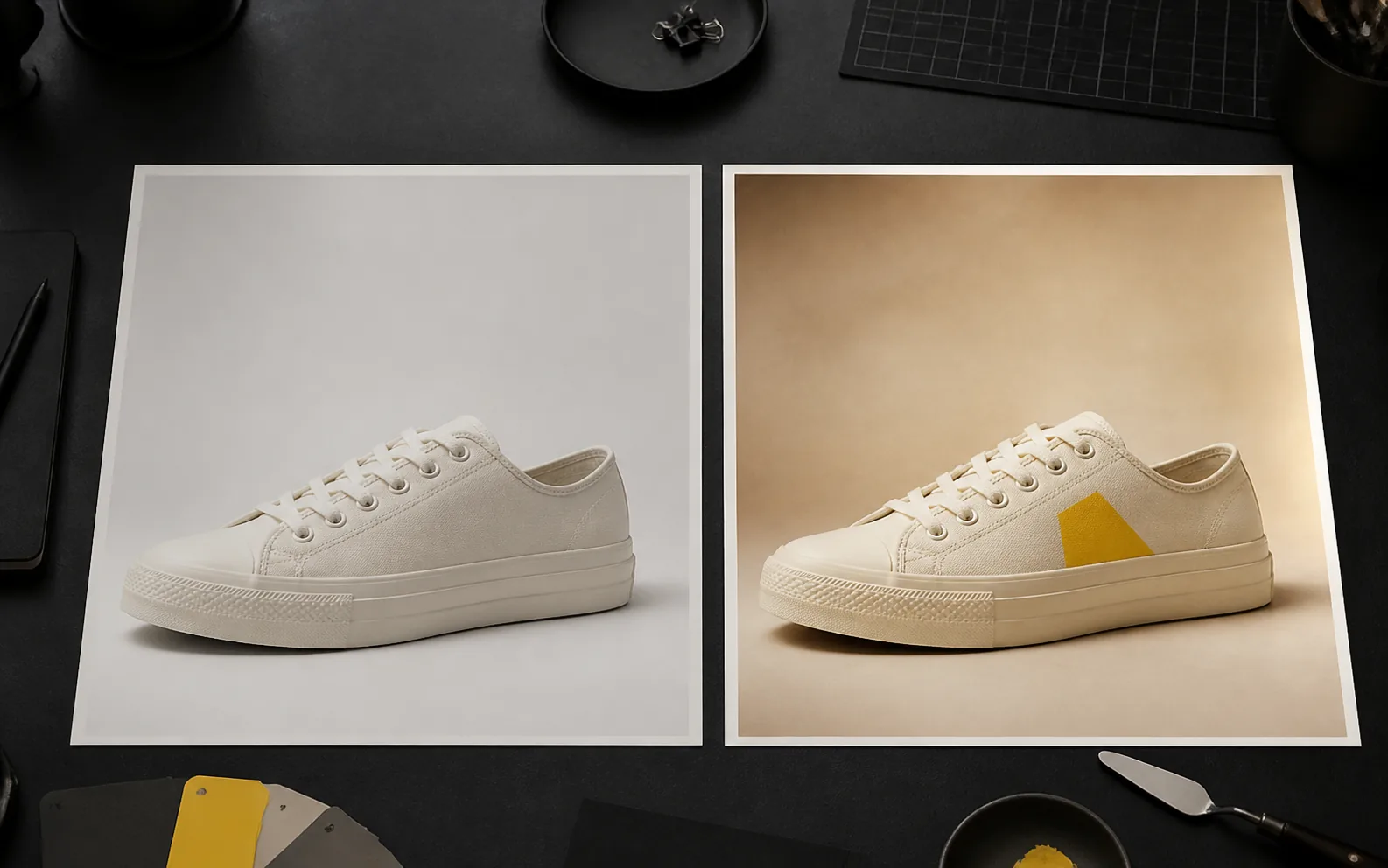
Ask for one clear revision and review the full result.
How to make an AI image
Start with a clear brief, choose a model in the Nano Banana 2.5 workspace, and review the first result before refining it.
01
Name the image you need and describe its subject, composition, and intended use.
02
Upload an image only when it helps preserve a subject, style, color, or layout.
03
Check the selected image model and choose an available aspect ratio.
04
Inspect the result closely, then revise the details that matter most.
AI image generator FAQ
Answers about image models, references, edits, and free trials.
Yes. You can try the generator and create an image. Available options and later usage depend on the selected model.
Yes. Describe the subject, setting, lighting, and style; a reference upload is optional.
Yes. Add a photo or sketch and explain what it should guide or what you want to change. Input limits vary by model.
The generator opens with Nano Banana 2. Nano Banana 2 Lite, Nano Banana Pro, GPT Image 2.5, and other image models are available in the picker.
You can request a photographic style with specific light, materials, and framing. Review the result before publishing it.
Create your first AI image
Start with text or a reference and try an image free before refining it.