
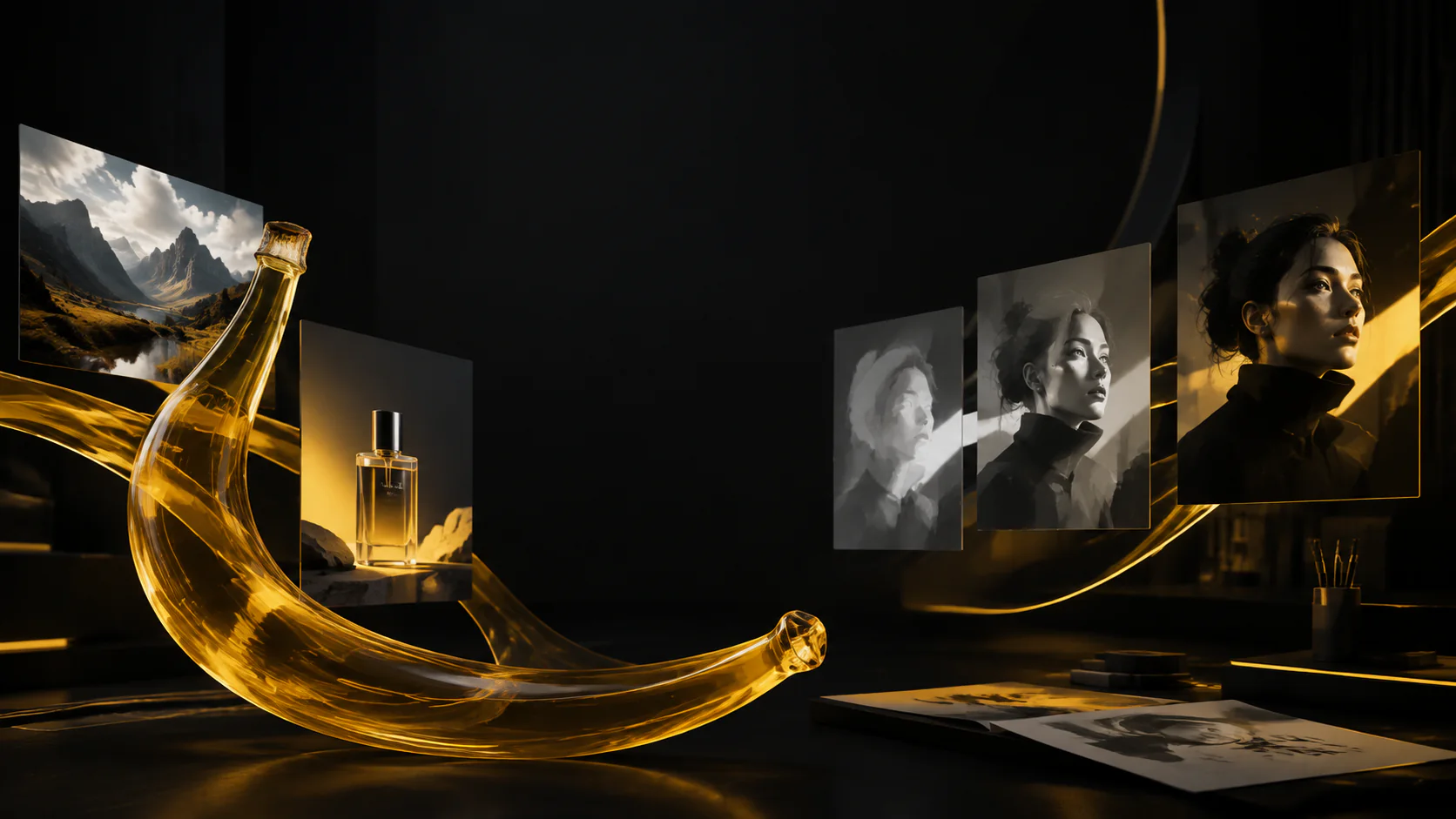
512px to 4K output
Choose 512px, 1K, 2K, or 4K for everything from rapid concepts and everyday review to high-resolution production delivery.
Create or edit production-ready images with Google's Gemini 3.1 Flash Image, including real-time world knowledge and search grounding. Start from a prompt or up to 14 reference images, choose formats from 1:8 to 8:1, and export from 512px to 4K.
Gemini 3.1 Flash Image
Nano Banana 2 combines Flash-speed generation and editing with precise instruction following, real-time world knowledge, web and image search grounding, improved text rendering and localization, subject consistency, and richer textures.
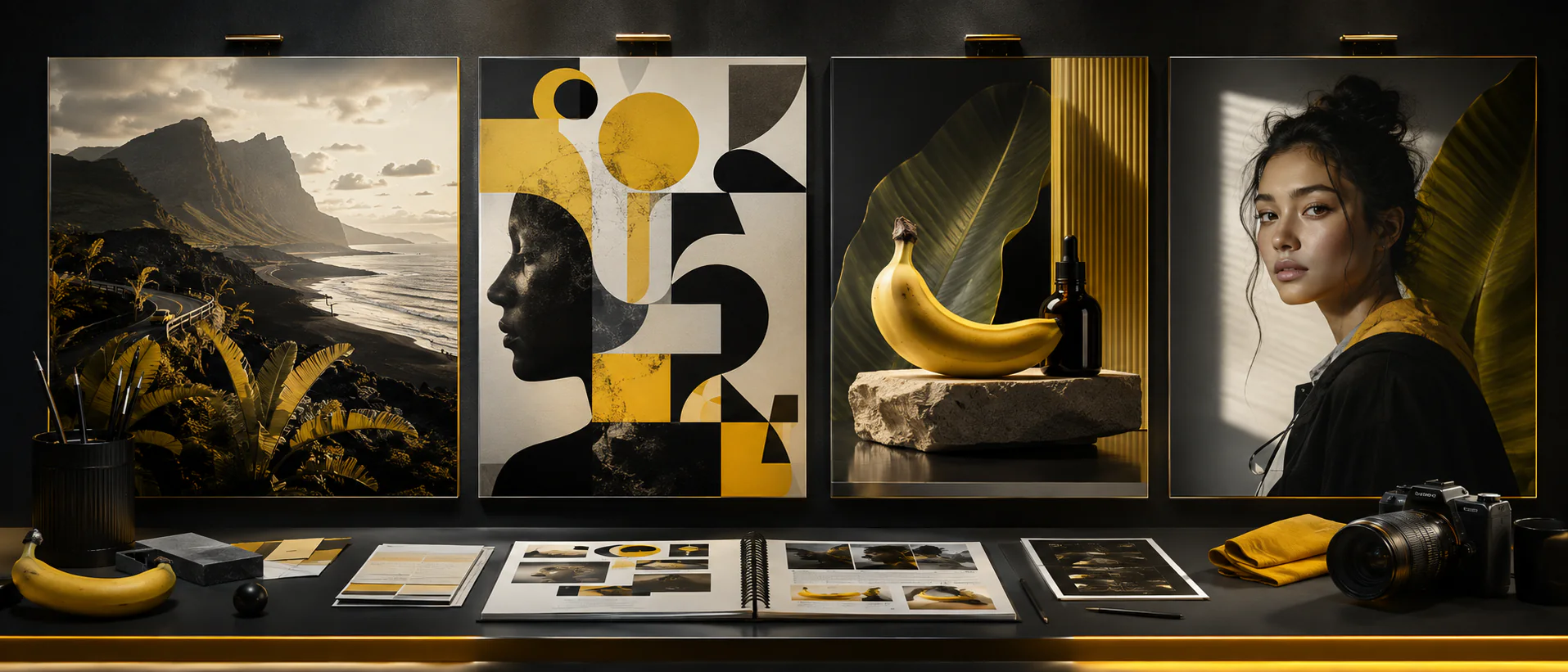
Use one clear brief to coordinate subject, composition, format, and finish across a visual system.
Choose 512px, 1K, 2K, or 4K for everything from rapid concepts and everyday review to high-resolution production delivery.
Combine advanced world knowledge with real-time web information and image search grounding for current-event visuals, place-based concepts, infographics, and fact-aware content.
Assign each reference a job: subject identity, product geometry, material, setting, lighting, style, or composition. Fewer purposeful references usually outperform a crowded mood board.
Maintain consistency across up to five characters and preserve the visual details of up to 14 objects in one workflow for sequential stories and complete campaigns.
Create square, portrait, landscape, ultra-wide, and ultra-tall images, including 4:1, 1:4, 8:1, and 1:8 formats for banners, posters, covers, and campaign systems.
Render posters, mockups, and in-image copy more accurately, translate and localize visual content directly, and follow complex composition and editing requirements.
Nano Banana 2 use cases
Use reference-led generation when a product, character, setting, or campaign idea needs to remain recognizable while the context and format change.
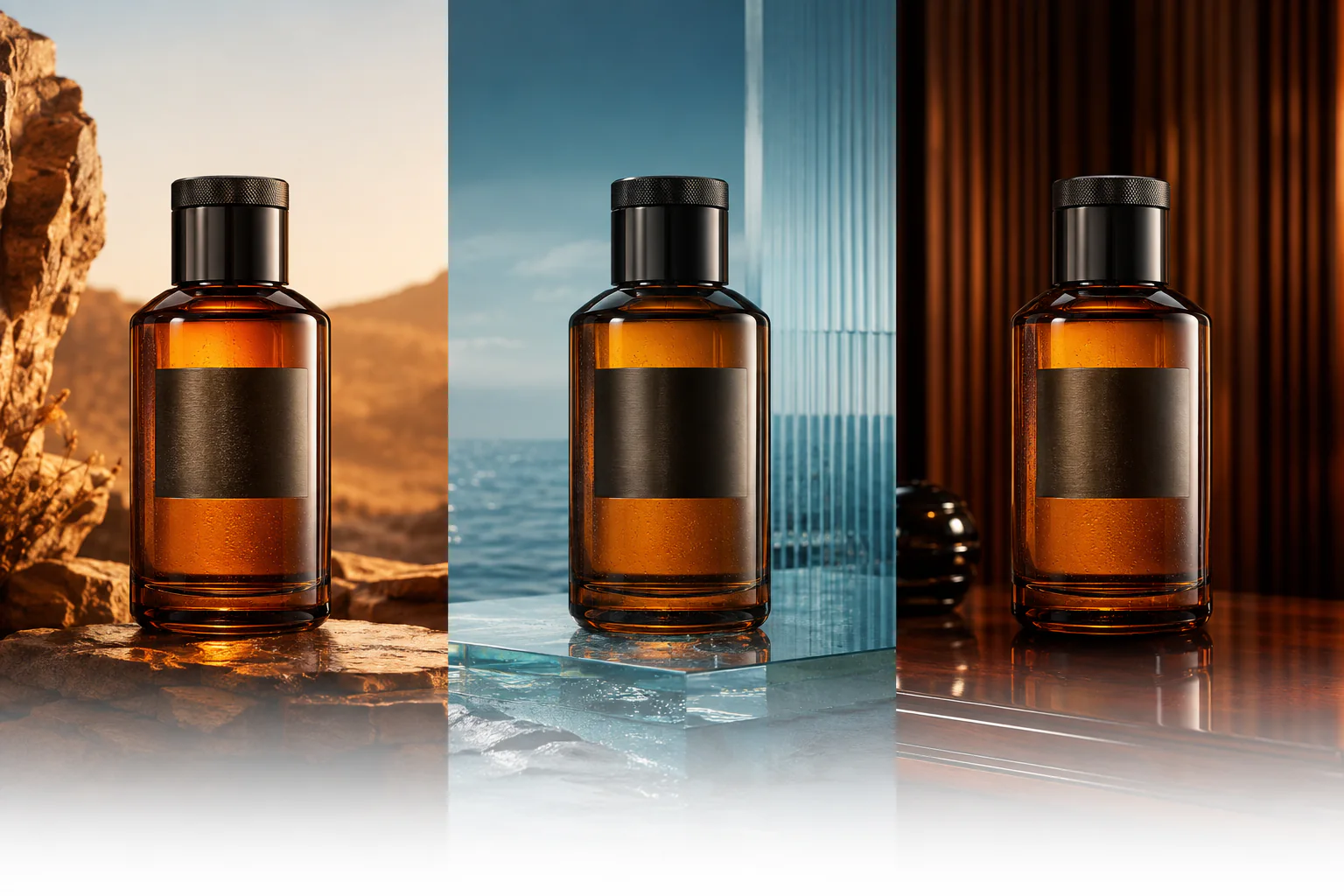
Hold shape, materials, cap, reflections, and label placement while exploring localized environments and new art direction. Proofread any generated packaging copy separately.
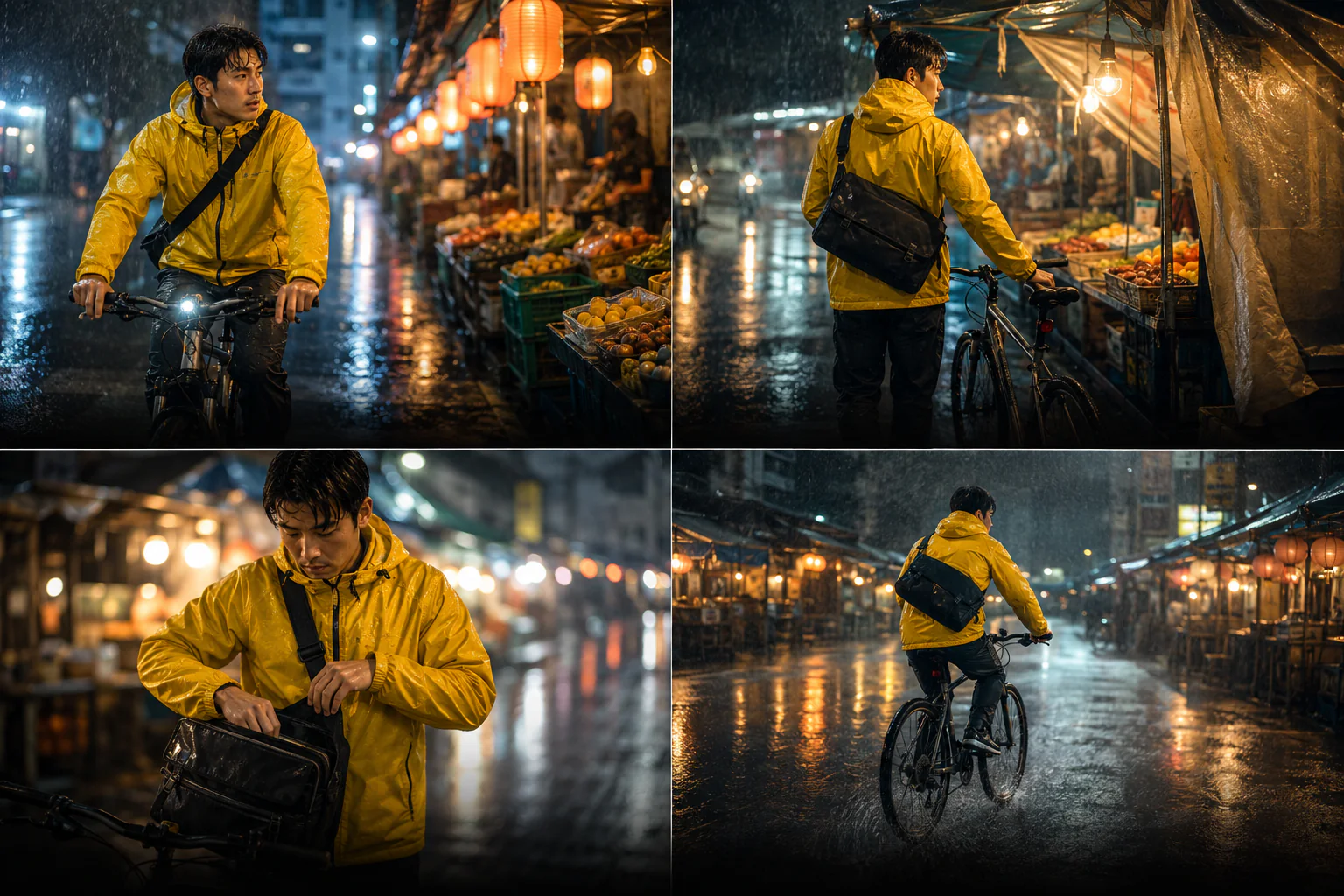
Use a clean identity reference and repeat the face, wardrobe, props, and environment details that must remain stable as pose, framing, and action evolve.
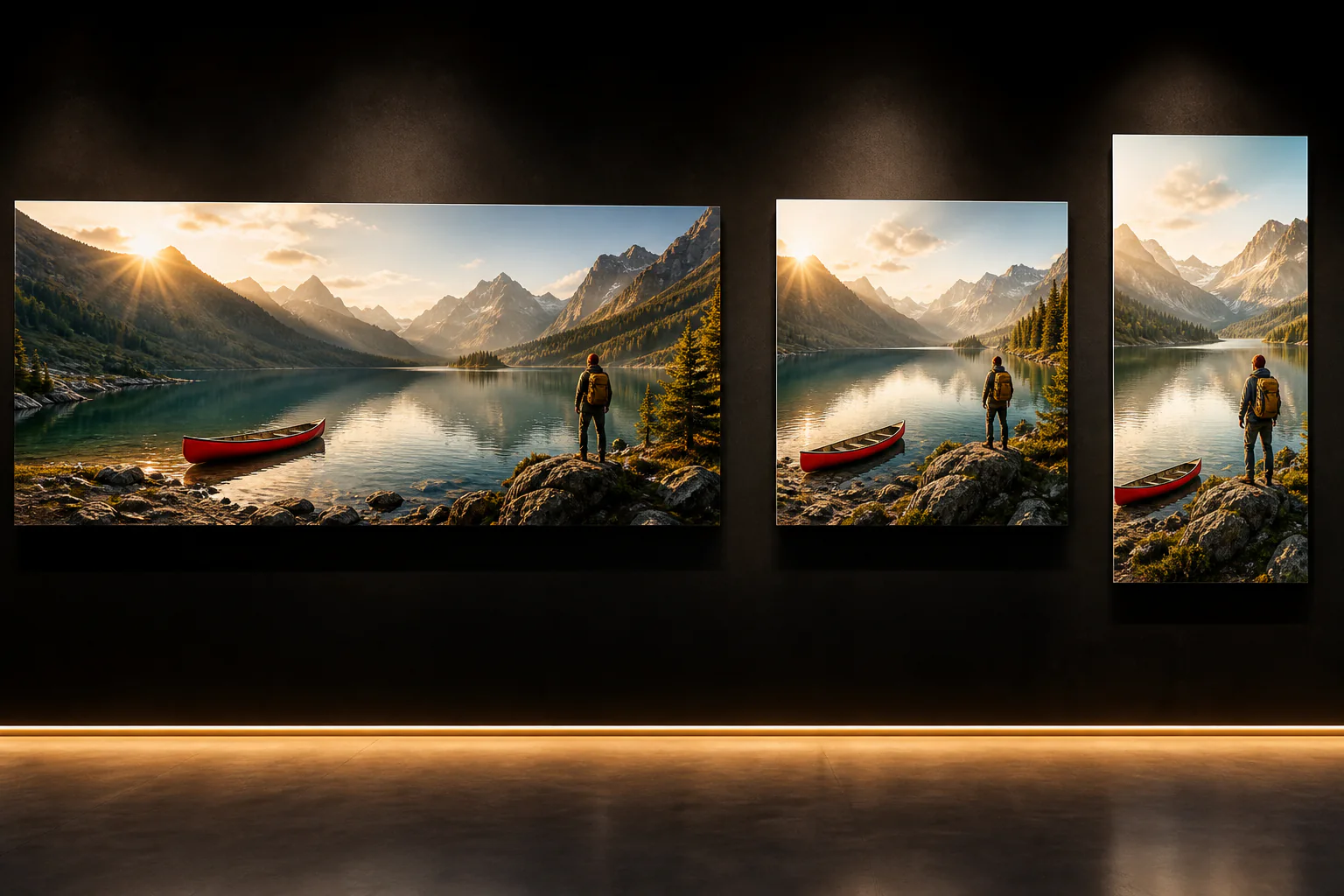
Plan an ultra-wide banner, square post, and tall poster around the same subject hierarchy instead of merely cropping one master image after generation.
How to use Nano Banana 2
A useful prompt defines the deliverable, names the reference roles, separates changes from invariants, and gives you concrete details to review.
01
Start with words for a new composition. Add images when identity, product shape, location, layout, or style must remain recognizable.
02
Say which image controls the subject, material, palette, lighting, camera angle, or composition instead of asking the model to infer the relationship.
03
Choose resolution and aspect ratio, then state what should change and what cannot change. Put literal text in quotes and specify its placement.
04
Check subject identity, hands, product geometry, small text, edges, and composition. Make the next revision narrow enough to compare confidently.
Nano Banana 2 prompt guide
Lead with the intended deliverable, describe the scene and subject, connect each reference to a decision, and finish with the constraints that protect the result.
Multi-format campaign prompt example
DELIVERABLE — A premium travel campaign in three coordinated formats: 8:1 banner, 1:1 social post, and 1:4 poster. SCENE — Alpine lake at golden hour with the red canoe from @Image 1, the hiker from @Image 2, and the warm editorial grade from @Image 3. COMPOSITION — Recompose the subject hierarchy for each canvas; do not simply crop one image. Keep the canoe, hiker, mountain silhouette, light direction, and palette consistent. FINISH — Photorealistic, natural texture, crisp edges, restrained contrast. Leave clean copy space. No text, logos, watermarks, extra people, or duplicate canoes.
Name the deliverable first
State whether the result is a product shot, storyboard, poster, banner, editorial image, or localized campaign asset.
Describe relationships, not just objects
Explain how the subject, camera, light, materials, and reference images should work together in the final composition.
Separate changes from invariants
For edits, say change only the background or material, then repeat the identity, geometry, pose, and framing that must stay fixed.
Treat generated text as a draft
Provide exact copy in quotes, request it once, and verify every character before a design reaches production.
Nano Banana model comparison
Compare output resolution, reference allowance, aspect-ratio range, turnaround target, and credit use across the Nano Banana family.
Choose the right Nano Banana model
Nano Banana 2 balances speed, control, and delivery quality for everyday production. Move to Pro when the brief favors maximum quality over credits, or use Lite for fast exploration.
Generate or edit from 512px to 4K with up to 14 references and the complete aspect-ratio range from 1:8 to 8:1.
Create with Nano Banana 2Google introduced Nano Banana 2 as Gemini 3.1 Flash Image on February 26, 2026, with stronger world knowledge, text rendering, consistency, and production controls.
Read Google's announcementImproved consistency and text rendering do not remove the need for review. Verify identity, factual details, brand assets, small type, and legal copy before publishing.
Nano Banana 2 FAQ
Straight answers about the model name, available resolution, reference images, aspect ratios, and text rendering.
Nano Banana 2 is the product name Google uses for Gemini 3.1 Flash Image, introduced on February 26, 2026. It combines faster image generation and editing with stronger instruction following, world knowledge, text rendering, and subject consistency.
Nano Banana 2 supports 512px, 1K, 2K, and 4K output for rapid concepts, everyday review, and high-resolution delivery.
You can upload up to 14 JPEG, PNG, or WebP reference images in one Nano Banana 2 task here. Give each image a specific role and remove references that do not affect the brief.
Choose auto, 1:1, 2:3, 3:2, 3:4, 4:3, 4:5, 5:4, 9:16, 16:9, 21:9, 4:1, 1:4, 8:1, or 1:8. The ultra-wide and ultra-tall options are useful for banners and posters.
Google reports improved text rendering and in-image localization. Results can still contain spelling, spacing, or small-type errors, so proofread every production asset and add critical legal or pricing copy in a design tool when needed.
Create with Nano Banana 2
Choose your format, assign every reference a role, protect the details that matter, and generate a production-ready direction at Flash speed.